 AxyraBotFree tools for Twitch and Discord
Twitch + Discord
One bot. Two platforms. One community toolkit.
Creators often end up managing one bot for Twitch chat and another for Discord. AxyraBot brings moderation and community tools for both platforms into one product, so you can reduce the number of separate bots in your setup.
Connect Twitch to begin; add AxyraBot to Discord from your setup when you need it.
01
Use Twitch tools where your stream happens
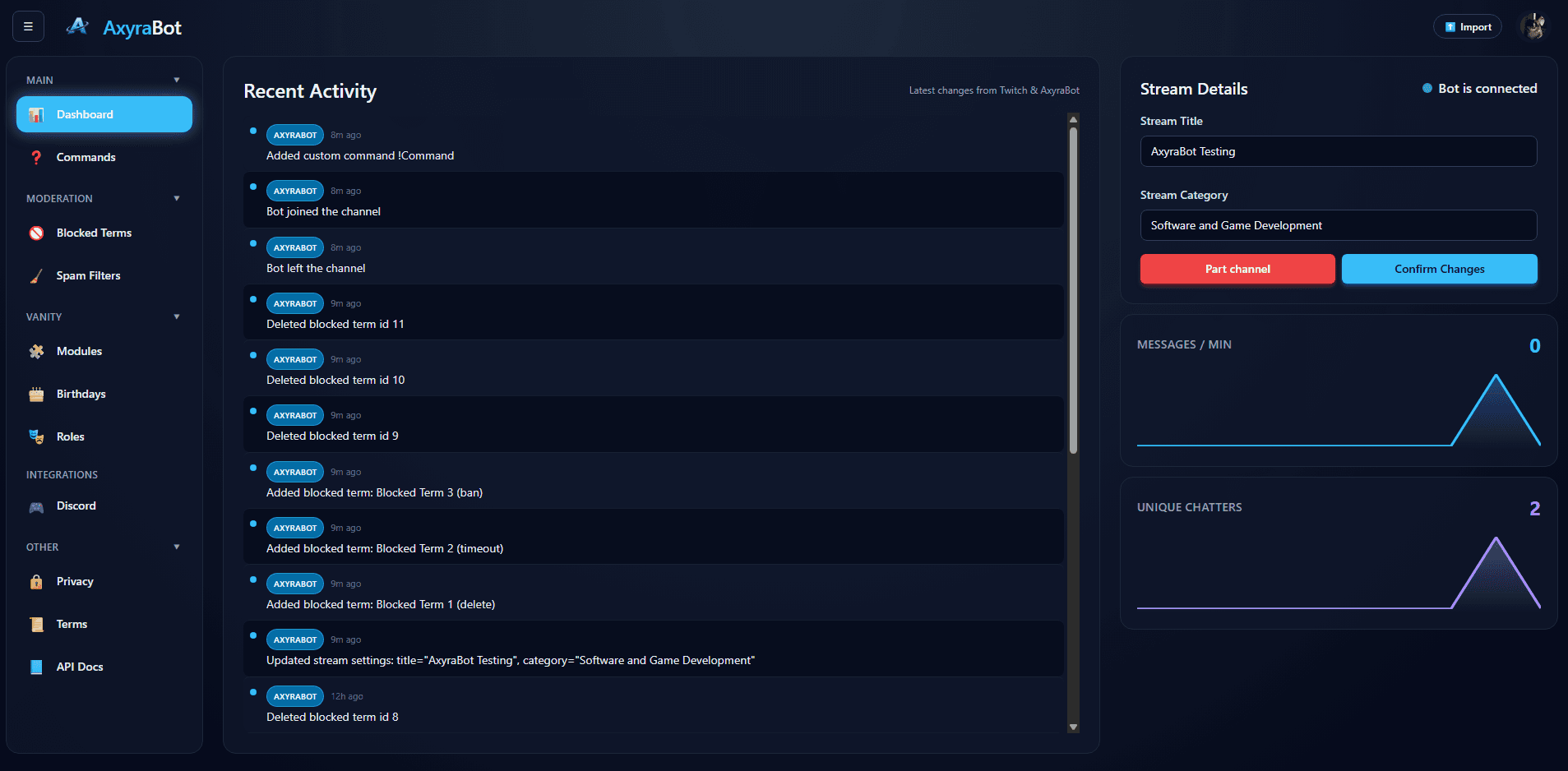
For Twitch, AxyraBot supports blocked-term and spam filters with moderation actions, plus built-in and custom chat commands. Configure Twitch channel features for your stream rather than carrying server commands into chat.
02
Use Discord tools in your server
For Discord, moderators can use slash commands for actions such as bans, kicks, timeouts, warnings, and message cleanup. Server utilities include channel controls, role tools, and welcome settings.
03
One product, with platform-specific settings
AxyraBot does not merge Twitch and Discord into one chat or make their permissions interchangeable. Each integration works within its platform, while the bot and its configuration are managed as one AxyraBot setup.
That means fewer separate bot products to install and maintain while keeping the right controls where your community uses them.
- Twitch chat moderation and commands
- Discord moderation and server tools
- A single AxyraBot product with separate platform configuration
Bring your community tools together.
AxyraBot is free to use on Twitch and Discord.