 AxyraBotFree tools for Twitch and Discord
Twitch chat moderation
Twitch chat moderation that helps catch repeat problems
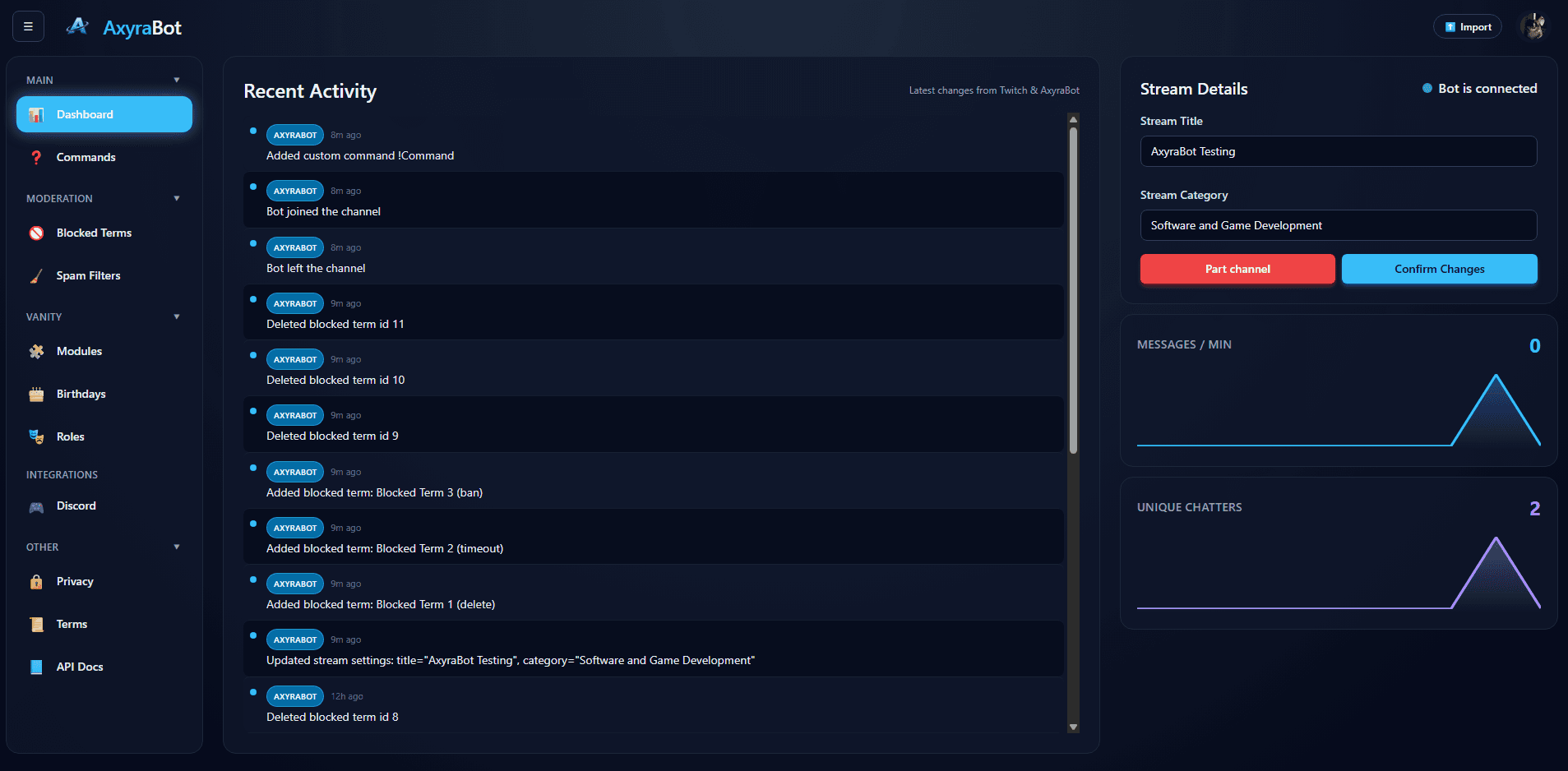
When chat is moving quickly, repeated spam and unwanted terms can distract both viewers and moderators. AxyraBot gives Twitch channels configurable filters and moderation actions, with the rules managed from a web dashboard.
Connect Twitch to begin; add AxyraBot to Discord from your setup when you need it.
01
Set rules for the messages you want to catch
Create blocked-term rules for words or phrases that should not appear in your channel. Add spam filters for patterns your moderators repeatedly have to handle, instead of relying only on someone noticing each message in real time.
Review rules against the way your community talks. A filter that is too broad can remove harmless messages, so tune terms and thresholds to your channel rather than treating automation as a substitute for moderation judgment.
02
Choose an appropriate moderation response
Depending on the rule and its settings, AxyraBot can remove a message, timeout the account, or ban it. This lets a channel use a lighter response for some patterns and a firmer action for others.
- Remove a matching message
- Apply a timeout
- Ban an account for a configured rule
03
Keep channel commands in the same setup
Moderation is one part of stream management. AxyraBot also supports built-in and custom Twitch chat commands, and can be used with its Discord tools if your community has a server.
Bring your community tools together.
AxyraBot is free to use on Twitch and Discord.